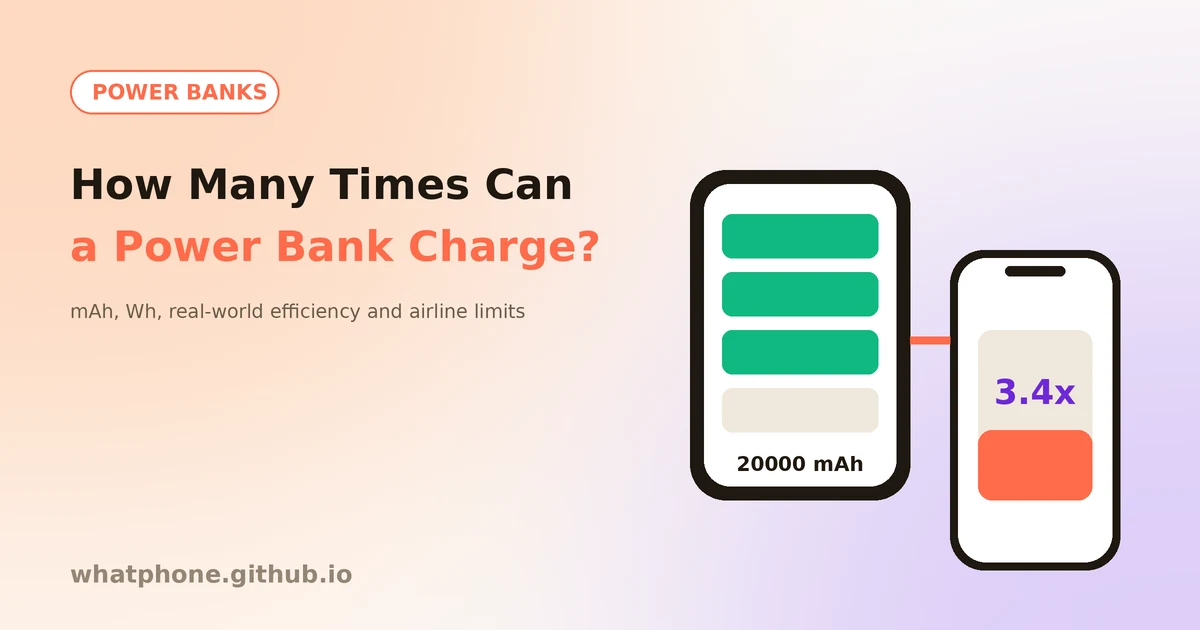
You buy a 10,000 mAh power bank, plug in a phone with a 4,500 mAh battery, and expect two full charges. You get closer to one and a half. That gap is not a defect. It is physics, and once you understand it you can pick the right size for your needs and know what is allowed on a plane.
This guide explains how to convert mAh to watt-hours, apply a realistic efficiency, choose the right capacity and stay within airline rules. Want the answer for your own phone right now? Use our free power bank calculator.
Step 1: Convert mAh to Watt-Hours
Milliamp-hours (mAh) only tell you the full story if the voltage is the same. A power bank cell runs at about 3.7 V, while a phone battery is usually around 3.85 V and the USB port outputs 5 V or more. Watt-hours (Wh) measure energy at any voltage, so they are the fair way to compare.
The formula is simple: Wh = mAh × volts ÷ 1,000. A 10,000 mAh power bank at 3.7 V holds 37 Wh. A phone with a 4,500 mAh battery at 3.85 V holds about 17.3 Wh. Divide one by the other and you get 2.1, the theoretical number of charges before any losses.
Step 2: Apply Real-World Efficiency
Moving energy from a power bank to a phone wastes some of it as heat. The bank boosts its cell voltage to 5 V or higher, the cable adds resistance and the phone's own charging circuit loses a little more. Quality USB-C Power Delivery banks lose less, while cheap banks and slow 5 V charging lose more.
A practical estimate is 65% for budget banks, 75% for a typical everyday setup and 85% for a good bank with USB-C PD. The table below uses 75% and a 4,500 mAh phone. Your result will vary with your phone and bank.
| Power bank | Energy at 3.7 V | Full phone charges | Carry-on limit |
|---|---|---|---|
| 5,000 mAh | 18.5 Wh | 0.8 | Under 100 Wh |
| 10,000 mAh | 37 Wh | 1.6 | Under 100 Wh |
| 20,000 mAh | 74 Wh | 3.2 | Under 100 Wh |
| 26,800 mAh | 99.2 Wh | 4.3 | Just under 100 Wh |
| 30,000 mAh | 111 Wh | 4.8 | 100–160 Wh, approval needed |
Step 3: Choose the Right Capacity
For a daily top-up, 5,000 to 10,000 mAh is plenty
A 10,000 mAh bank gives most phones one and a half charges, fits a pocket and weighs around 200 grams. It covers a long day without feeling like a brick.
For trips, 20,000 mAh covers two to three days
A 20,000 mAh bank gives about three charges and can also top up earbuds or a tablet. It is heavier, but it stays under the 100 Wh flight limit.
Output wattage matters as much as capacity
A big bank with a weak 5 V port charges slowly. Look for USB-C PD output of 20 W or more if your phone supports fast charging. Our charging time calculator shows how long a given wattage takes.
Check the recharge time
Large banks take a long time to refill. A 37 Wh bank on an 18 W charger needs roughly two and a half hours, while a 74 Wh bank needs about five. Faster input saves time.
Step 4: Know the Airline Rules
Airlines limit lithium batteries by watt-hours, not mAh. The widely used rules are: up to 100 Wh is allowed in carry-on baggage, 100 to 160 Wh needs airline approval, and above 160 Wh is not allowed on passenger aircraft. At 3.7 V, 100 Wh is about 27,000 mAh, so a 20,000 mAh bank (74 Wh) is fine while a 30,000 mAh bank (111 Wh) is not without approval.
Power banks must go in your carry-on, never in checked luggage. Rules have also tightened. Global guidance from ICAO that took effect in March 2026 limits passengers to two power banks and advises against recharging them on board, and several airlines, including Emirates, Qantas and the Lufthansa Group, restrict or ban using them in flight. Because airline policies keep changing, always check your carrier's page before you fly.
Step 5: Use and Store Your Power Bank Safely
- Use certified cables and chargers — poor cables waste energy and can overheat.
- Do not use a swollen, dented or damaged bank — stop using it and recycle it at a proper collection point.
- Avoid heat — do not leave it in a hot car or direct sun, and do not charge it under a pillow.
- Charge it before you travel — a half-full bank is no use at the airport, and many airlines do not allow charging on board.
To keep your phone's own battery healthy while using a power bank, see our battery health guide, and for charging speeds read the fast charging guide.