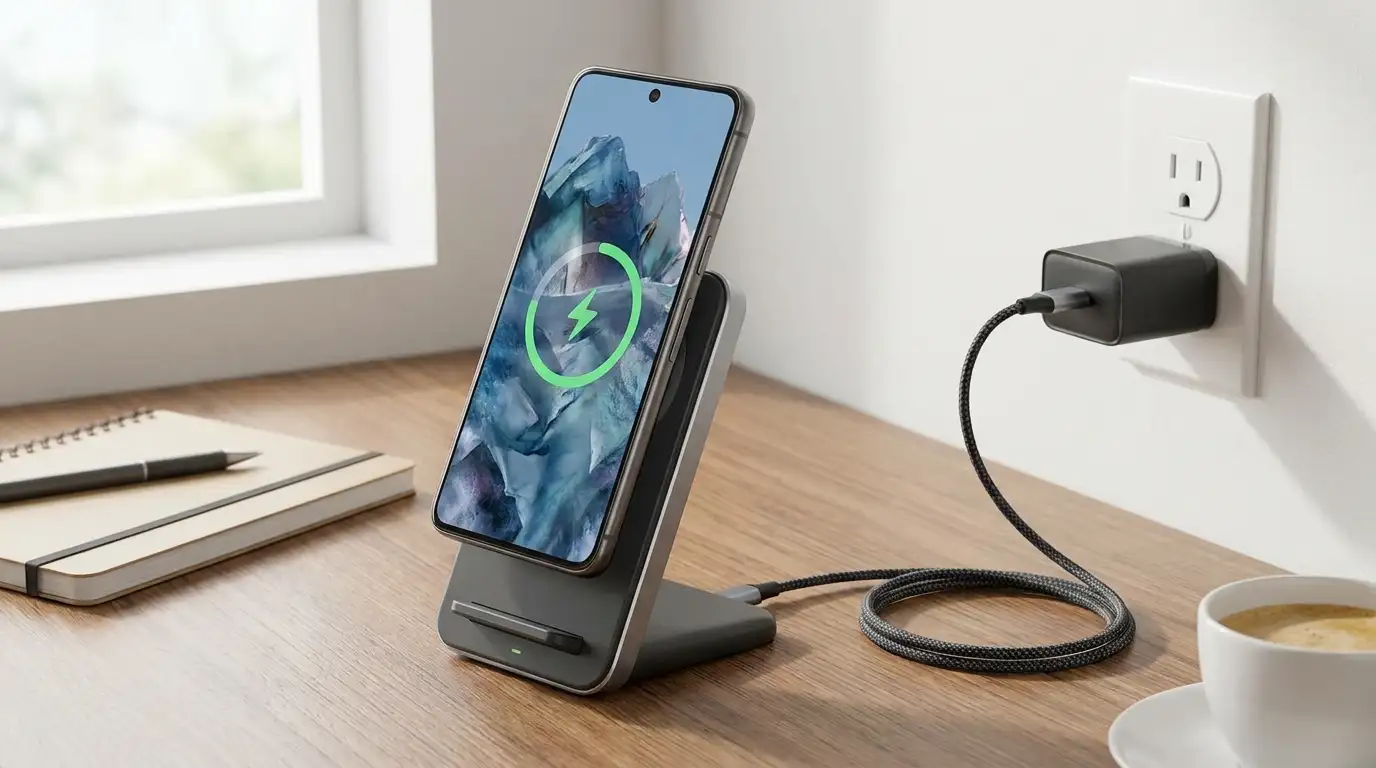
Charging speed jumped considerably in 2026 thanks to Qi2.2, the first wireless standard to meaningfully close the gap with wired charging. But between wired wattage numbers, proprietary fast-charging brand names, and now two flavors of Qi2, it's genuinely confusing to know what your phone actually supports and how to get the fastest safe charge.
This guide breaks down both wired and wireless fast charging in plain terms. Not sure what your phone's charging specs are? Use WhatPhone to identify your exact model and look up its rated wattage.
Step 1: Check Your Phone's Maximum Charging Wattage
Every phone has a wired ceiling and, separately, a wireless ceiling — and buying a charger rated far above either number won't charge you any faster. Check your manufacturer's spec sheet or settings menu (Settings → Battery → Charging, on most Android phones) for the exact figures before shopping for a charger.
| Charging Type | Typical Speed | 0-50% Time (approx.) |
|---|---|---|
| Standard USB-C PD | 18–30W | 30–40 min |
| Flagship wired fast charging | 45–120W | 15–25 min |
| Qi2 wireless (magnetic) | 15W | 45–55 min |
| Qi2.2 wireless (magnetic) | 25W | 30–40 min |
| Older Qi (no magnet) | 5–10W | 60–90 min |
Step 2: Choose the Right Wired Charger and Cable
Match the charger's wattage to your phone, not the other way around
A 65W charger won't hurt a phone rated for 25W — the phone negotiates the wattage it actually draws via USB Power Delivery (PD). Buying a higher-wattage charger than you need mainly future-proofs you for a next device or lets you fast-charge a laptop from the same brick.
Use a rated cable, not just any USB-C cable
Cables have their own current limits. A cheap or worn cable rated at only 3A/60W will bottleneck a 100W-capable charger and phone. Look for "PD" or "E-marked" labeling on cables meant for higher-wattage charging.
Some Android brands use proprietary fast-charging protocols
OnePlus's SuperVOOC-style charging and similar brand-specific protocols exceed standard USB-C PD speeds, but only when paired with that brand's own charger and cable — a generic PD charger will still work, just at standard PD speed instead of the proprietary maximum.
Step 3: Understand Qi2 vs Qi2.2 Wireless Charging
Qi2 (2023) added a ring of magnets around the charging coil — based on Apple's MagSafe design, contributed to the Wireless Power Consortium as an open standard — that snaps the phone into perfect coil alignment automatically, at up to 15W. Qi2.2, finalized in 2025 and now shipping on 2026 flagships like the Galaxy S26 Ultra and Pixel 10 Pro XL, doubles that ceiling to 25W.
Step 4: Avoid Common Wireless Charging Speed Killers
- Thick or metal cases — cases over roughly 3–4mm or containing metal plates can drop a 25W charge to single digits, or block charging entirely by interfering with the magnetic alignment and coil coupling.
- Misalignment — even with Qi2's magnets, an off-brand magnetic case can shift the coil position enough to fall back to slower, unaligned charging.
- Heat buildup — wireless charging is roughly 20–30% less efficient than wired, with the difference lost as heat; charging in direct sunlight or under a pillow makes the phone throttle its own charging speed to protect the battery.
Step 5: Protect Long-Term Battery Health While Fast Charging
Fast charging itself is not the primary driver of battery wear — modern phones automatically slow the charge rate once the battery passes roughly 50-80%, precisely to limit heat and stress on the cell during the fastest phase.
Enable optimized or adaptive charging
iPhone's Optimized Battery Charging and Android's Adaptive Charging learn your daily schedule and delay the final charge to 100% until shortly before you usually unplug, reducing time spent at full charge overnight.
Keep the phone cool while charging fast
Remove thick cases during a fast wired or wireless charge if the phone feels warm, and avoid charging in a hot car or in direct sun — heat, not charging speed, is the main long-term factor in capacity loss.
For the full picture on charging habits, heat management, and settings that extend battery lifespan, see our battery health guide.